Battery Health Monitor
A look inside
About this app
Battery Health Monitor helps you understand, track, and improve your battery health with clear insights and tips you can act on.
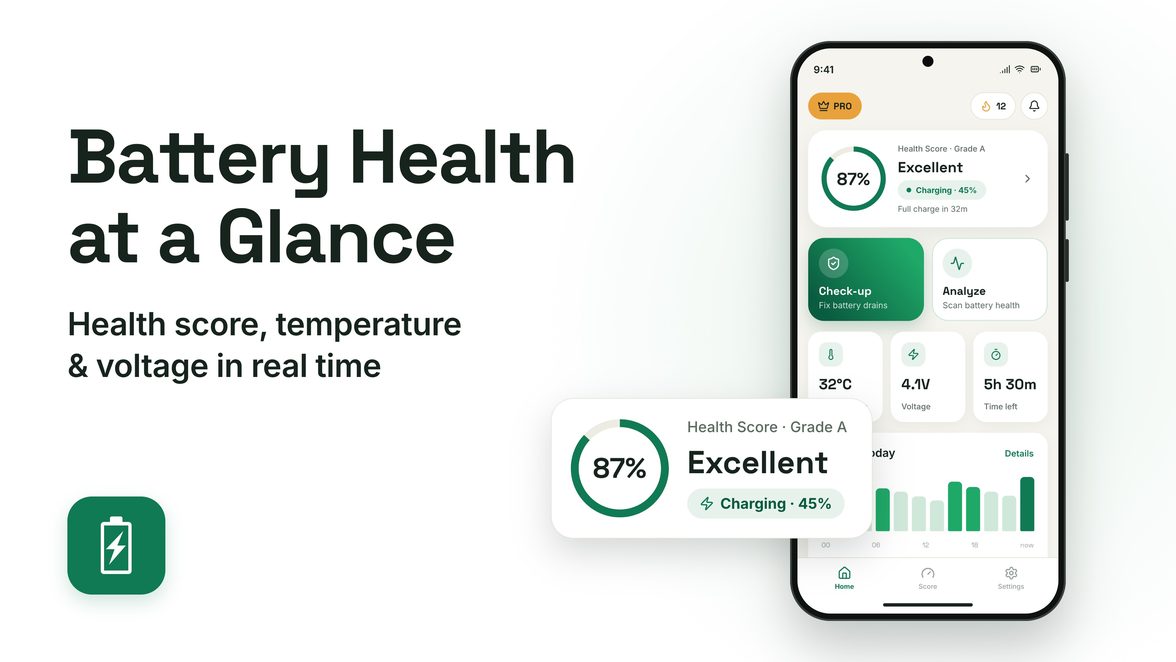
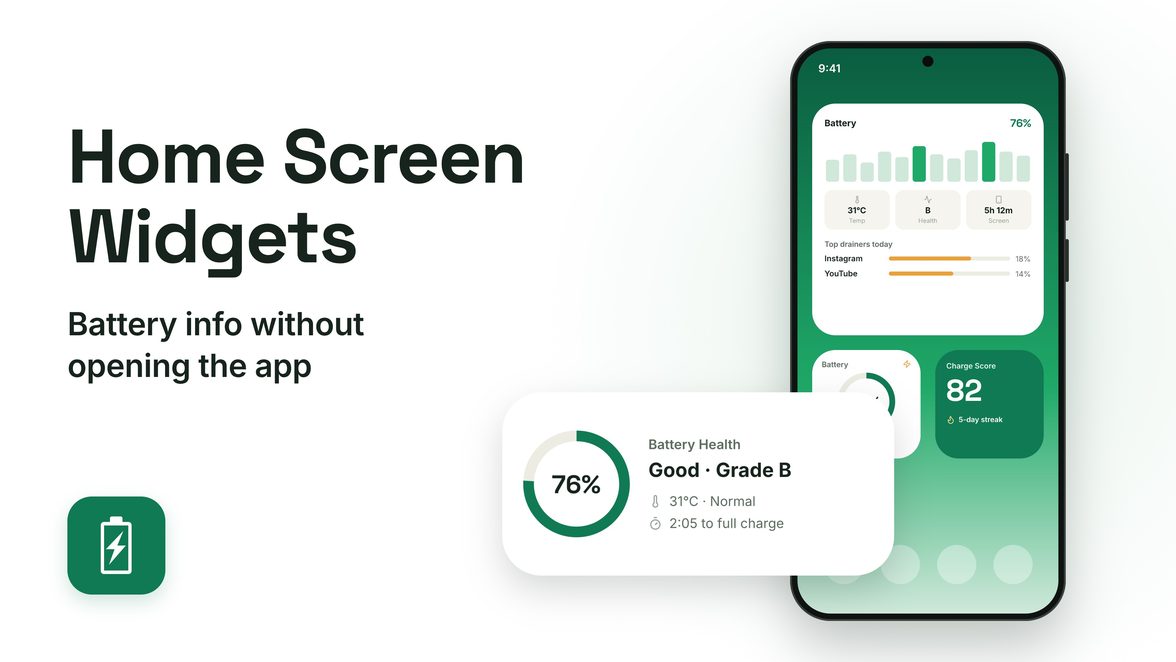
Real-time battery dashboard
Charge history
Achievement badges
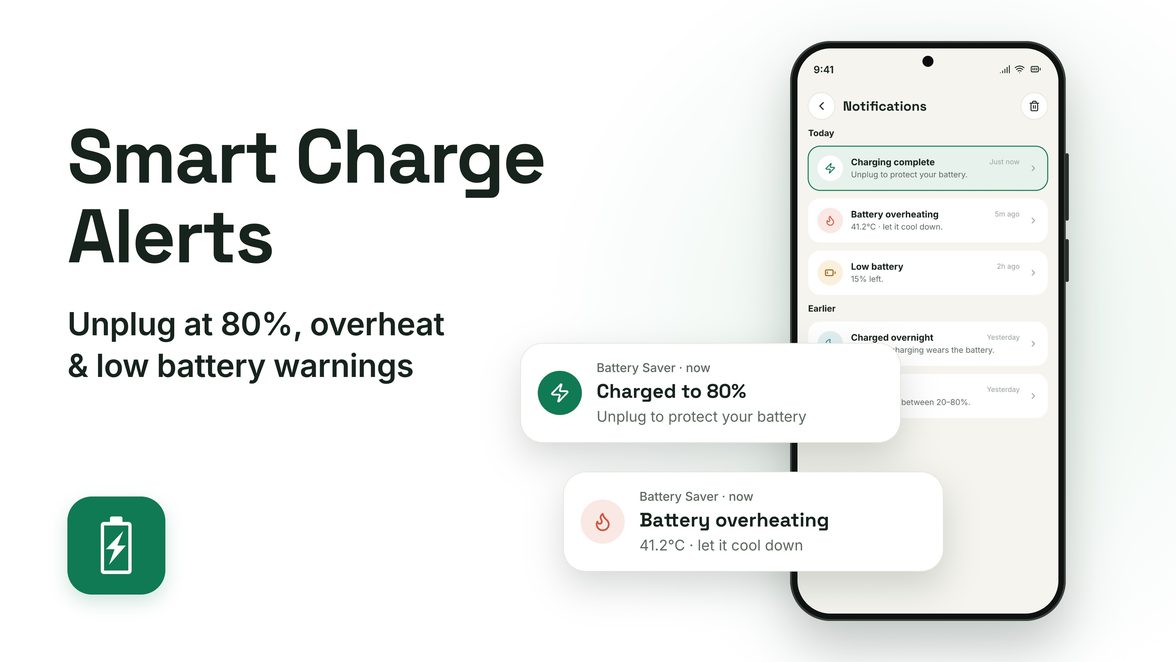
Smart notifications
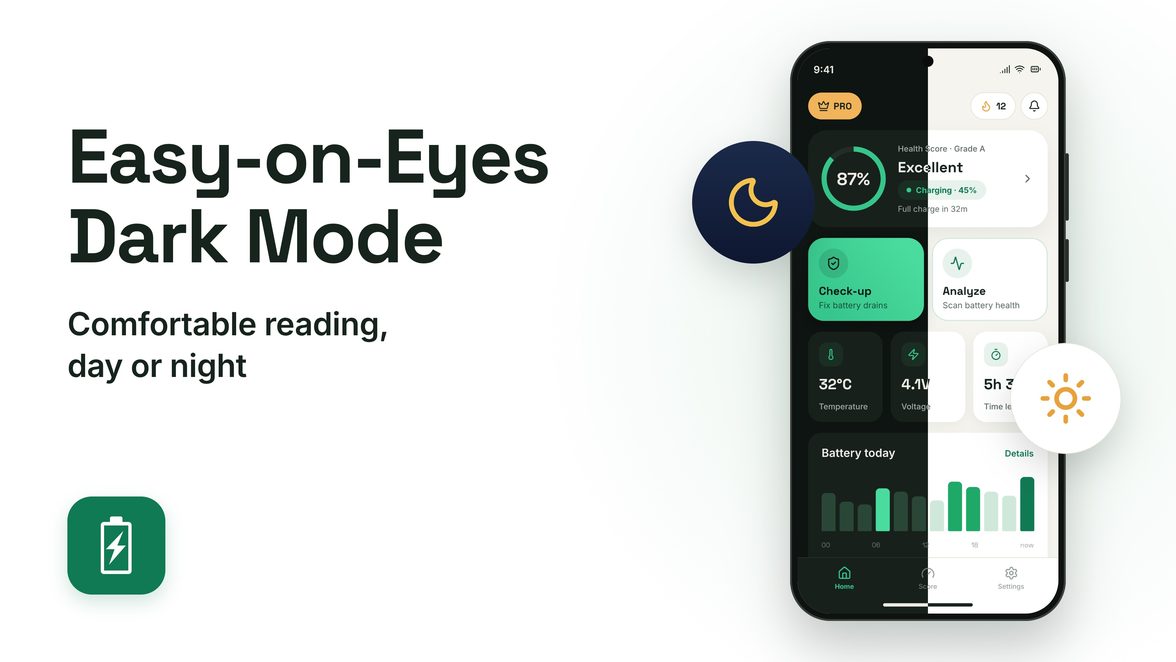
Dark mode
Why battery health matters
Lithium-ion batteries wear out over time. Overnight charging, deep discharges and heat all speed that up. Battery Health Monitor coaches you toward better habits so your battery lasts longer.
No account required. All battery analysis runs on your device.
What it does
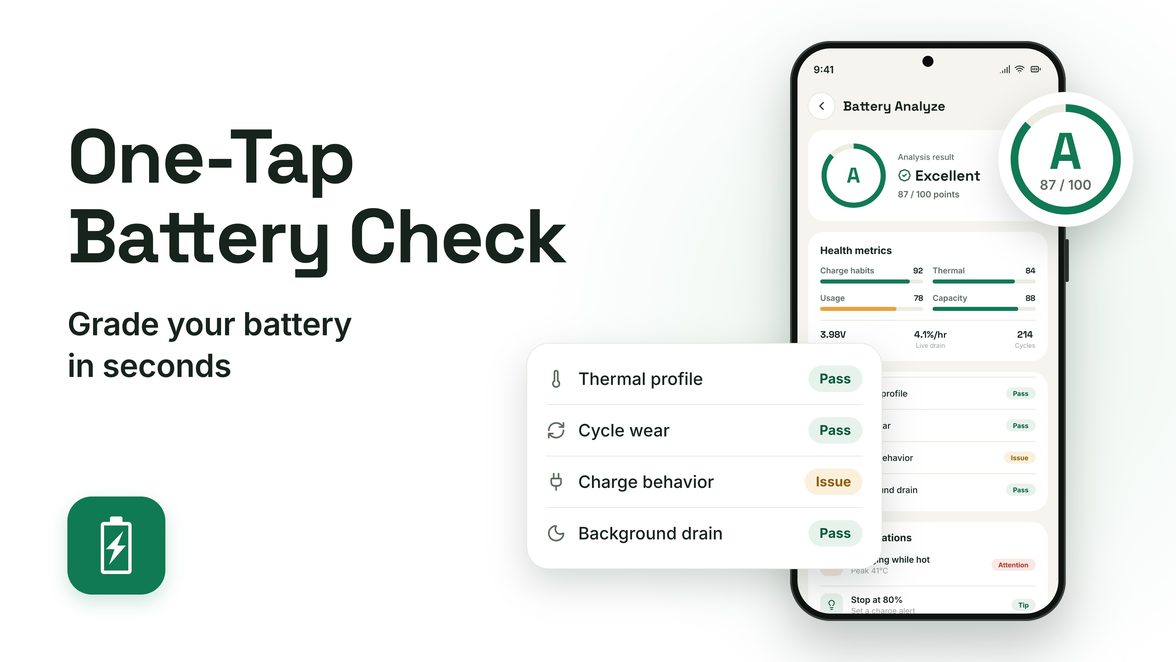
Health score & grading
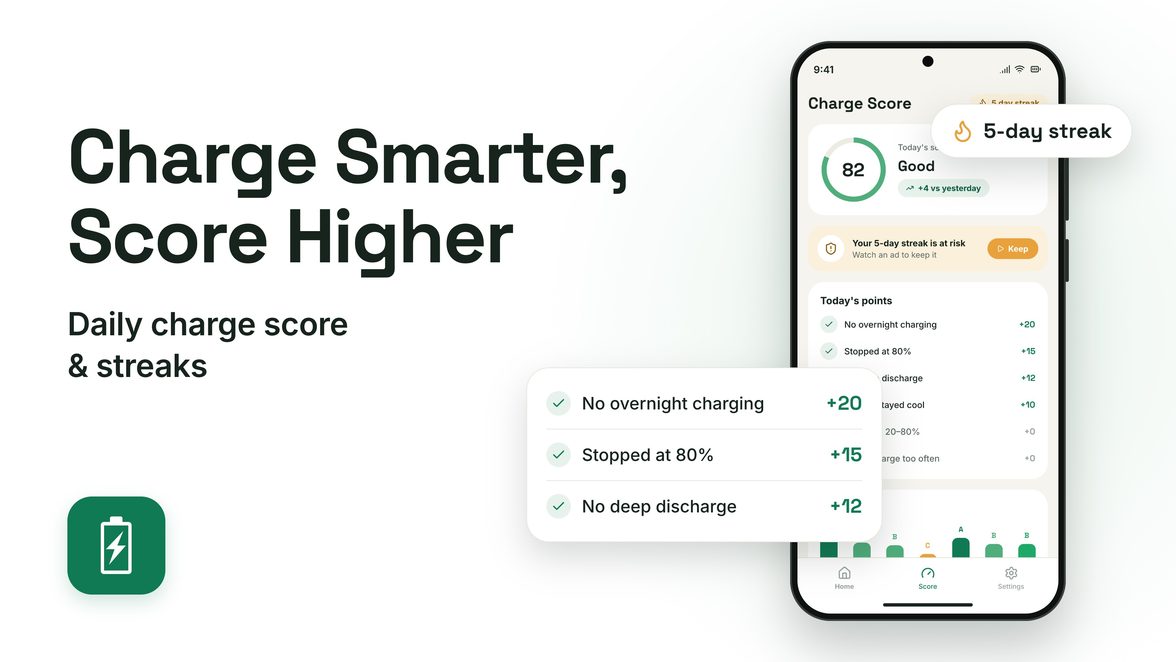
Smart charging tips
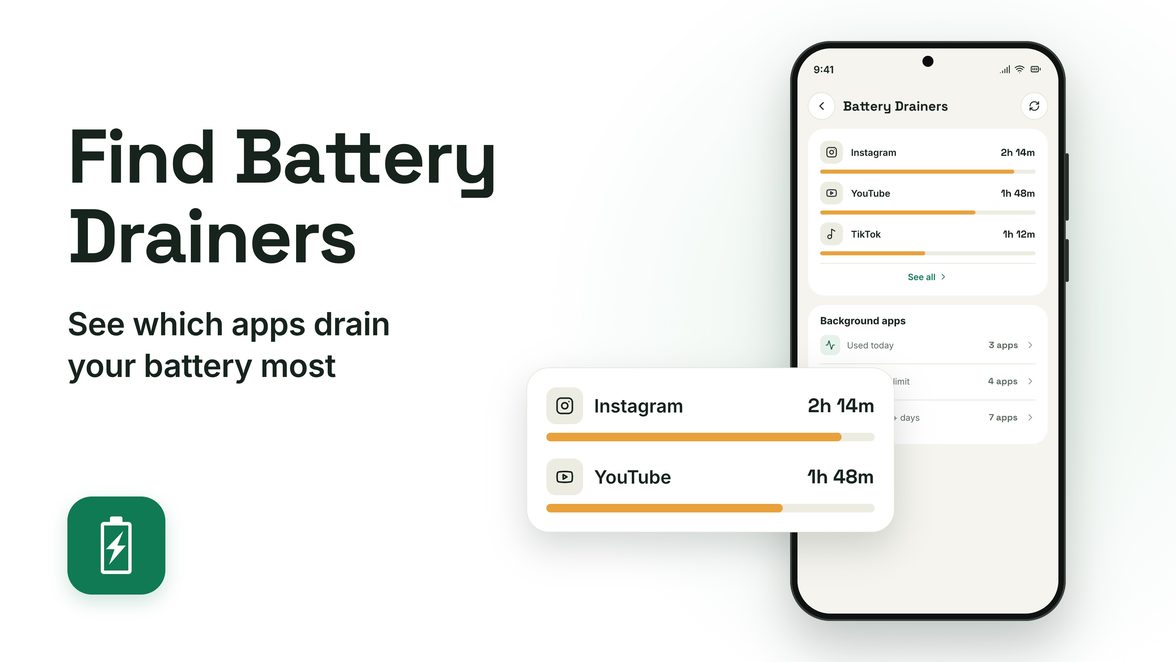
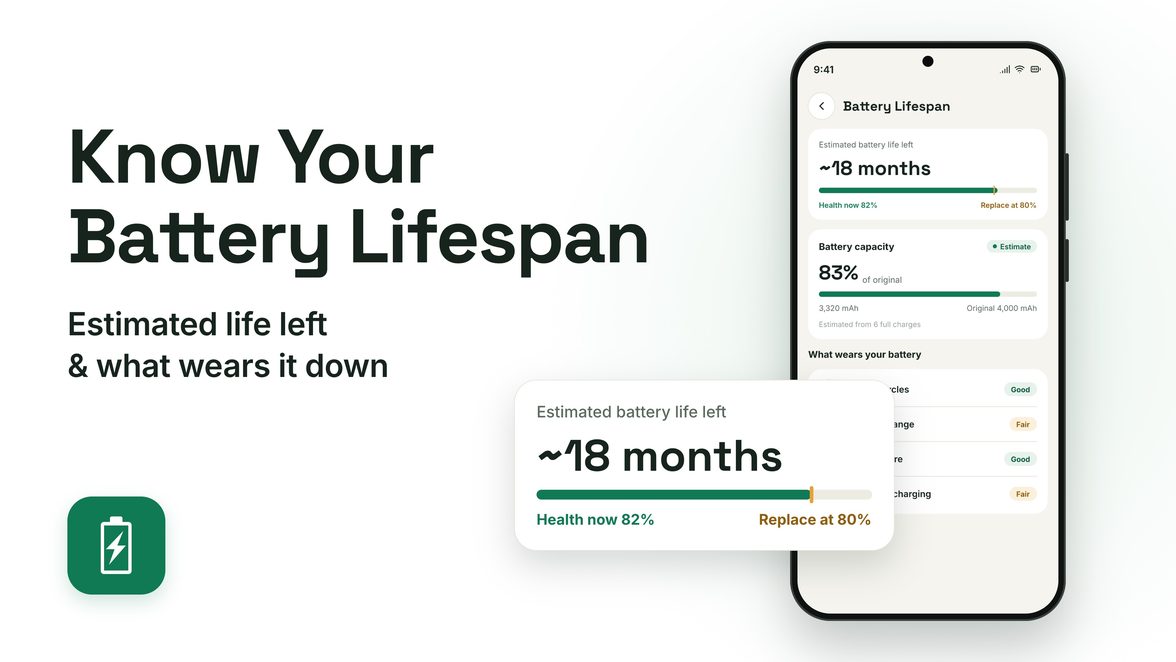
Battery detail analytics
Questions people ask
How do I check my battery health on Android?
Open the app — the dashboard shows health, temperature and charge state at a glance, and the Charge Score grades your charging habits A–D each day.
Do I need an account?
No. There's nothing to sign up for. Open the app and your battery data is right there.
Does my battery data leave my phone?
No. All battery analysis runs on your device. The only thing sent out is an anonymous crash report when something breaks, so I can fix it.
Why stop charging at 80%?
Lithium-ion batteries wear faster when they sit near 100% or get drained to empty, and faster still when they're hot. Keeping the charge between 20% and 80% slows that wear, and the app nudges you when you reach 80%.
What is the Charge Score?
A daily grade from A to D based on how you charged that day, with a breakdown of which habits helped and which ones hurt.
Is there an iPhone version?
No. Battery Health Monitor is Android only.